
Category Archives: Angular Js
Top 10 Features in Angular 18 You Need to Know

Angular, the popular front-end framework developed by Google, has seen numerous enhancements over the years. With the release of Angular 18, developers have a lot to look forward to.
Here are the Top 10 features of Angular 18:
1) Improved Performance
Angular 18 introduces significant performance improvements. Optimizations in change detection and rendering pipelines have resulted in faster load times and better runtime performance. These enhancements ensure that applications built with Angular 18 are more responsive and efficient.
2) Enhanced Component API
The component API in Angular 18 has been refined to offer more flexibility and control. New lifecycle hooks and improved input/output handling make it easier for developers to manage component interactions and state changes. This results in cleaner and more maintainable code.
3) Advanced Dependency Injection
Dependency injection in Angular 18 has been upgraded to support hierarchical injectors. This allows for more granular control over service lifetimes and dependencies, enabling developers to create more modular and scalable applications. Additionally, the new API simplifies the creation of custom injectors.

4) Streamlined Forms Module
The forms module has received a major overhaul in Angular 18. The new reactive forms API is more intuitive and powerful, making it easier to create and manage complex forms. Improved form validation and error handling capabilities ensure a smoother user experience.
5) Better CLI Tools
The Angular CLI has been enhanced with new features and commands. Developers can now take advantage of improved scaffolding, testing, and deployment workflows. The CLI also includes better support for custom schematics, making it easier to automate repetitive tasks and maintain consistency across projects.
6) Optimized Bundling
Angular 18 comes with improved bundling and tree shaking capabilities. The framework now leverages modern JavaScript features to reduce bundle sizes and eliminate unused code. This results in faster load times and better performance, especially for large applications.
7) Improved Testing Framework
Testing in Angular 18 has been made more robust and developer-friendly. The updated testing framework includes better support for asynchronous testing, improved test coverage reports, and enhanced mocking capabilities. These improvements help ensure that applications are thoroughly tested and reliable.
8) Enhanced Accessibility Support
Angular 18 places a strong emphasis on accessibility. New ARIA attributes and accessibility features have been added to the framework, making it easier to create applications that are accessible to all users. The Angular team has also provided better documentation and tools for testing accessibility.
9) New Router Features
The Angular router has been enhanced with new features to improve navigation and state management. Lazy loading of routes is now more efficient, and the new router hooks provide greater control over route transitions. These enhancements make it easier to build complex, multi-page applications.
10) Improved Documentation and Learning Resources
With the release of Angular 18, the documentation has been updated to reflect the latest features and best practices. The Angular team has also created new tutorials, examples, and learning resources to help developers get up to speed quickly. This makes it easier for both new and experienced developers to master the framework.
Angular 18 is a significant release that brings a host of new features and improvements. These enhancements make the framework more powerful, efficient, and developer-friendly, ensuring that Angular remains a top choice for building modern web applications.
Angular [ innerHTML ] – Elements id attribute is missing in innerHTML
![ANGULAR [ INNERHTML ]](https://www.w3sanju.in/wp-content/uploads/2017/08/rsz_screenshot_2017-08-15_165615-624x404.png)
I was trying to fetch dynamic html data from an API for my Angular 4 project. I used Angular [innerHTML] attribute method to get fully HTML based content. But I was getting full HTML except for any elements “id” attribute. Here is the code how I fixed that problem.
This is the HTML code what I have to get as an output.
<p>
All definitions on the Technical Terms, websites are written to be technically nice but also smooth to perceive.
</p>

<p>
<span id="span1">Have you ever wondered how online businesses are works?</span>
As a small business owner, <a href="http://www.skillblue.com" target="_blank">Skillblue digital agency</a> will help you to achieve your targets. <br>
The only thing is you should take a discussion with Skillblue company.
<br>
Or you can check Skillblue company's <a href="http://www.skillblue.com/faq/website-development-packages-faq/" target="_blank">profitable website development plans & instruction.</a>
</p>
This is the HTML code what I was getting as an output.
<p>
All definitions on the Technical Terms, websites are written to be technically nice but also smooth to perceive.
</p>

<p>
<span>Have you ever wondered how online businesses are works?</span>
As a small business owner, <a href="http://www.skillblue.com" target="_blank">Skillblue digital agency</a> will help you to achieve your targets. <br>
The only thing is you should take a discussion with Skillblue company.
<br>
Or you can check Skillblue company's <a href="http://www.skillblue.com/pricing/website-development-packages/" target="_blank">profitable website development plans & instruction.</a>
</p>
Note: Here I’m mentioning 2 simple methods, for fixing any attribute related to [innerHTML] issues in Angular.
Method #1
Here I’m going to create a function for return Sanitized, pure HTML. Create an object myContent for assign dynamicData ( HTML data what I’ll fetch from API). Then I’ll call sameAsHtml function and pass myContent data into [innerHTML] in HTML page. Done!
page.component.ts :
import { DomSanitizer } from '@angular/platform-browser';

constructor(protected html_sanitizer: DomSanitizer) {}

pageTitle = 'My page title';

sameAsHtml(html_content) {
  return this.html_sanitizer.bypassSecurityTrustHtml(html);
}

myContent = dynamicData;
page.html :
<div class="container">
 <h1 [innerHTML]="pageTitle"></h1>
 <div [innerHTML]="sameAsHtml(myContent)"></div>
</div>
Method #2
Here I’m going to assign Sanitized, full HTML into an object myContent. Then I’ll call myContent into [innerHTML] in HTML page. Done!
page.component.ts :
import { DomSanitizer } from '@angular/platform-browser';

constructor(protected htmlSanitizer: DomSanitizer) {}

pageTitle = 'My page title';
myContent = this.html_sanitizer.bypassSecurityTrustHtml(dynamicData);
page.html :
<div class="container">
 <h1 [innerHTML]="pageTitle"></h1>
 <div [innerHTML]="myContent"></div>
</div>
How to start Angularjs 4 with Angular CLI
Angular CLI is a command line interface to use Angularjs. We can create any type of Angular apps easily with the help of Angular CLI.
How to start Installation?
Here we are going to use Node.js command prompt.
Start Node.js command prompt & Follow these commands in Node.js command prompt.
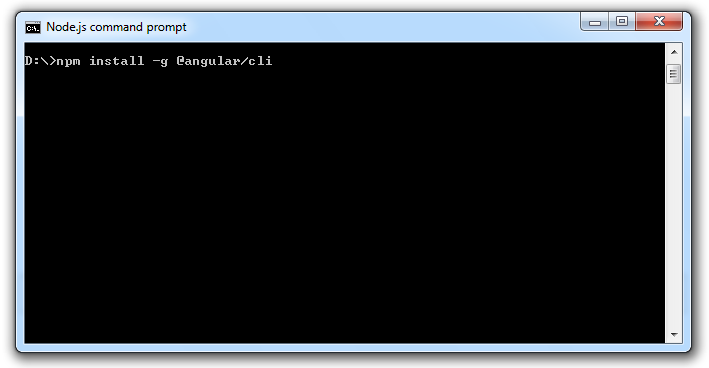
> npm install -g @angular/cli
for latest version :
> npm install -g @angular/cli@latest
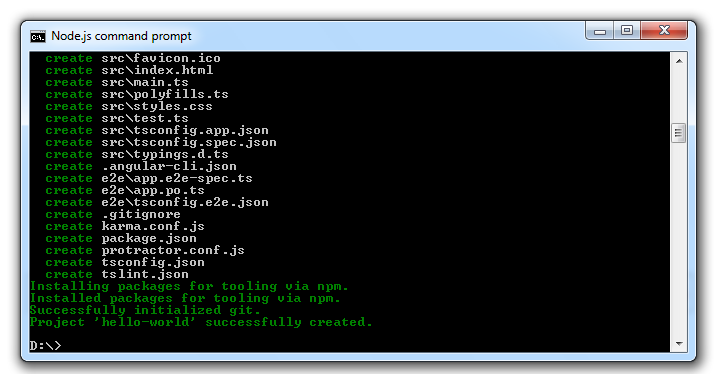
Angular CLI makes it easy to create a new application.
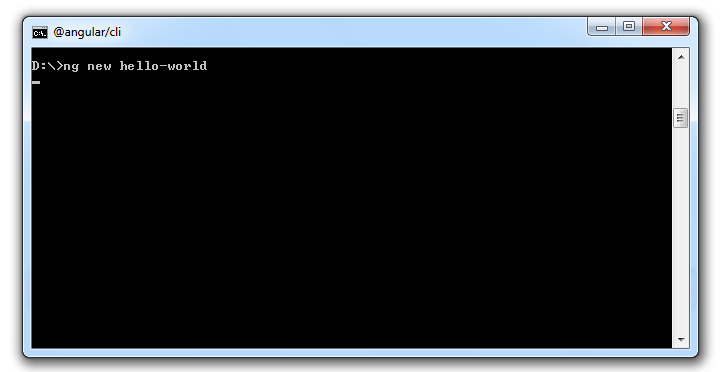
> ng new hello-world
> cd hello-world
Check the version you have installed :
> ng --version
or
> ng -v
“ng –version” or “ng –v” command will show installed version details like this :
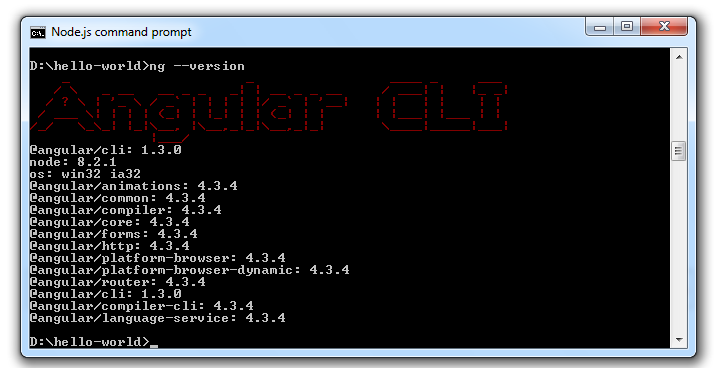
@angular-cli: 1.3.0
node: 8.2.1
@angular/common: 4.3.4
How to run our new app in a web browser
Easily start running our new app in ‘webpack-dev-server server’. It is only for development with live reload.
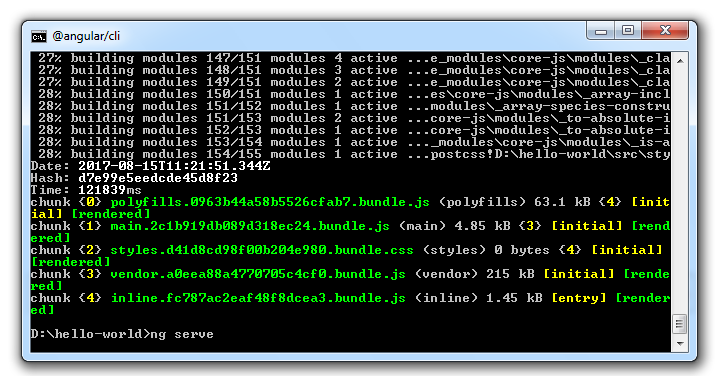
> ng serve
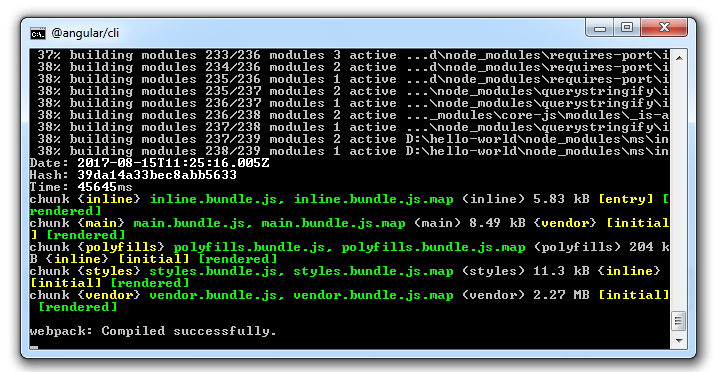
angular cli app in a web browser:
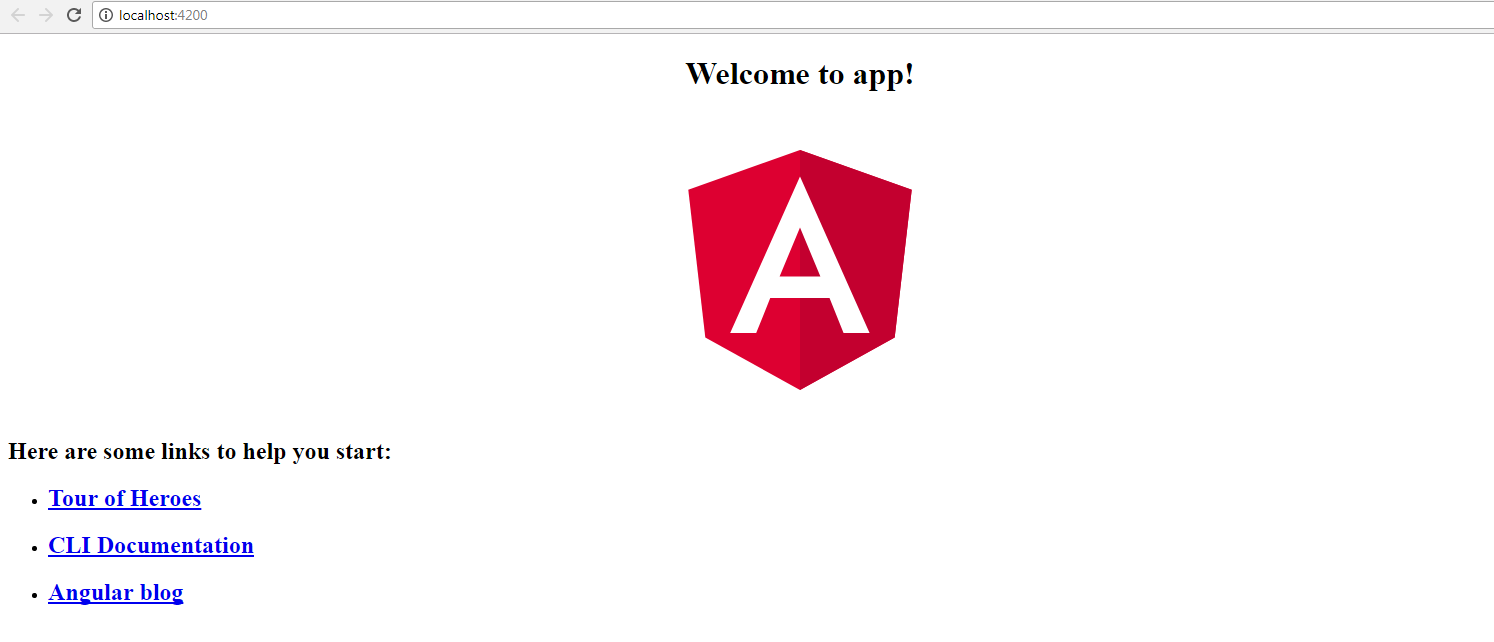
The app will automatically reload if you are changing something in any file. “http://localhost:4200” this is a default angular cli app URL. Open this URL in any browser. The app will start working.
How to change angular cli server port number or host instead of “localhost:4200”
We can configure it manually in our “angular-cli.json” file, which is locating in our project directory.
"serve": {
            "port": 5500,
            "host" : "112.168.0.100"
}
Restart the server. It will serve in the new port or host as per update.
Example, http://112.168.0.100:5500
” Angular is running in the development mode. Call enableProdMode() to enable the production mode. ” It is a default console message.
We can update environment to production mode.
change production: false to true in environments/environment.ts
export const environment = {
	production: true
};
Project’s unit testing.
‘hello-world\src\app’ folder have app.component.spec.ts file. That file has unit test configurations.
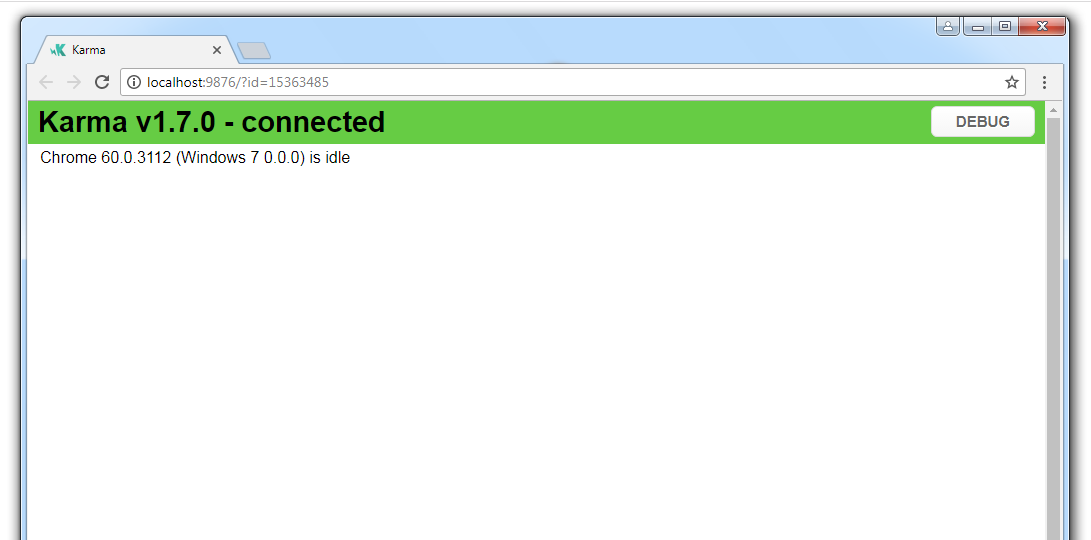
Test Debug page :
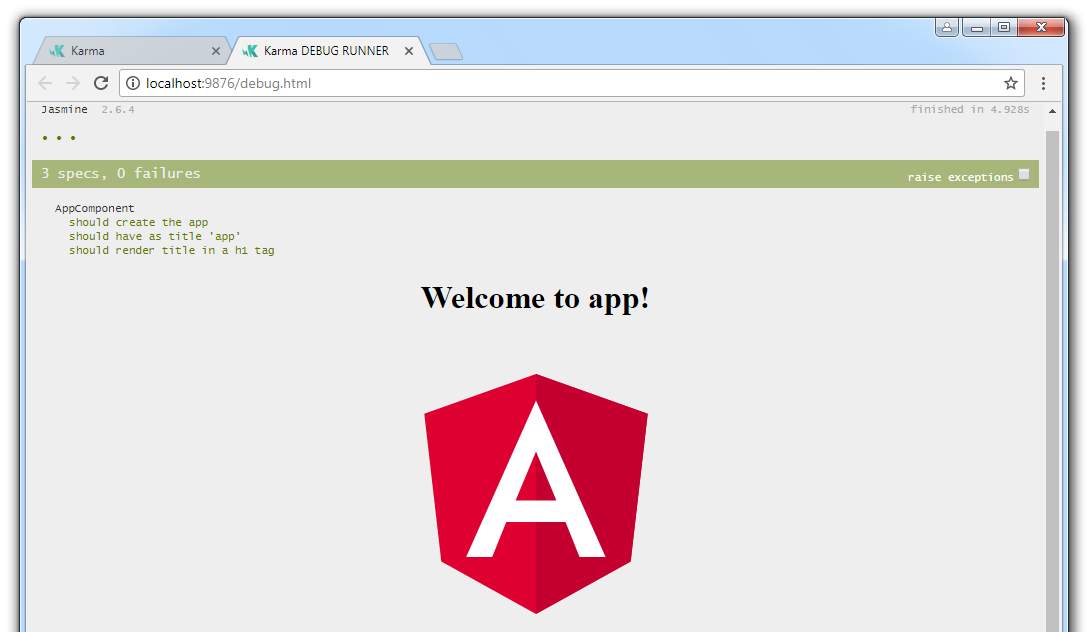
> ng test
Create compiled and minified application :
Compiled and minified application will get generated in a new ‘dist’ directory by default. “ng serve” is not required to run “ng > build”.
> ng build
Build compiled and minified version for production :
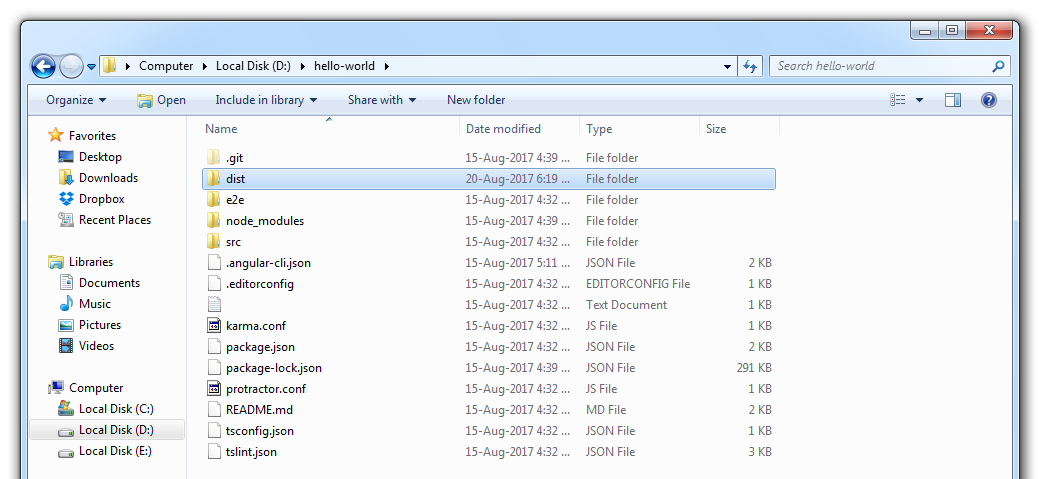
> ng build --target=production
or
> ng build --prod
How to generate Angular components in CLI
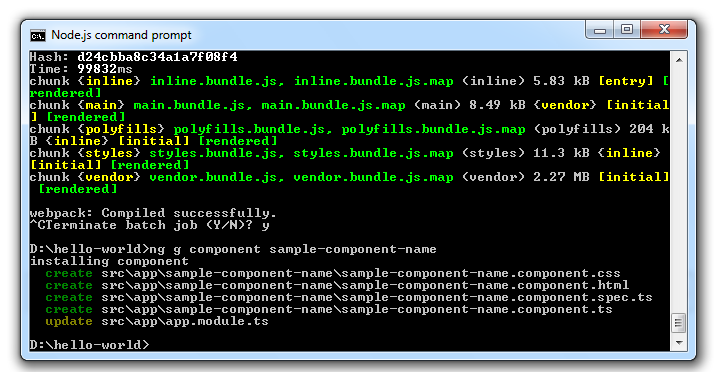
> ng g component sample-component-name
It will generate new component folder “sample-component-name” with all related files in the src\app directory.
How to stop running node server
Node.js command prompt – Press -C twice or type ‘exit’ to stop node server.
Node.js – Press -D
"[WDS] Disconnected!"
This message will come to browser console if ‘webpack-dev-server’ is not working or stopped running server manually.
Remove hash from AngularJs url
Rewrite your AngularJs app url from http://domain.com/#/path/ to http://domain.com/path/
There are few things to set up for remove hash from AngularJs url. So your link in the browser will look like http://domain.com/path/ and these are your base href + angularjs config + .htaccess url rewrite.
1) Base href
Set the base href in HTML file.
<html>
  <head>
    <base href="/">
  </head>
</html>
2) Angularjs
Add html5Mode inside your angularjs config file.
app.config(function ($routeProvider,$locationProvider) {
$routeProvider
  .when('/', {
	templateUrl: 'home-page.html',
	controller : 'appController'
	});
$locationProvider.html5Mode(true);
});
3) .htaccess url rewrite
Put this inside your .htaccess file.
RewriteEngine On
RewriteCond %{REQUEST_FILENAME} !-f
RewriteCond %{REQUEST_FILENAME} !-d
RewriteRule ^(.*)$ /#/$1 [L]


